
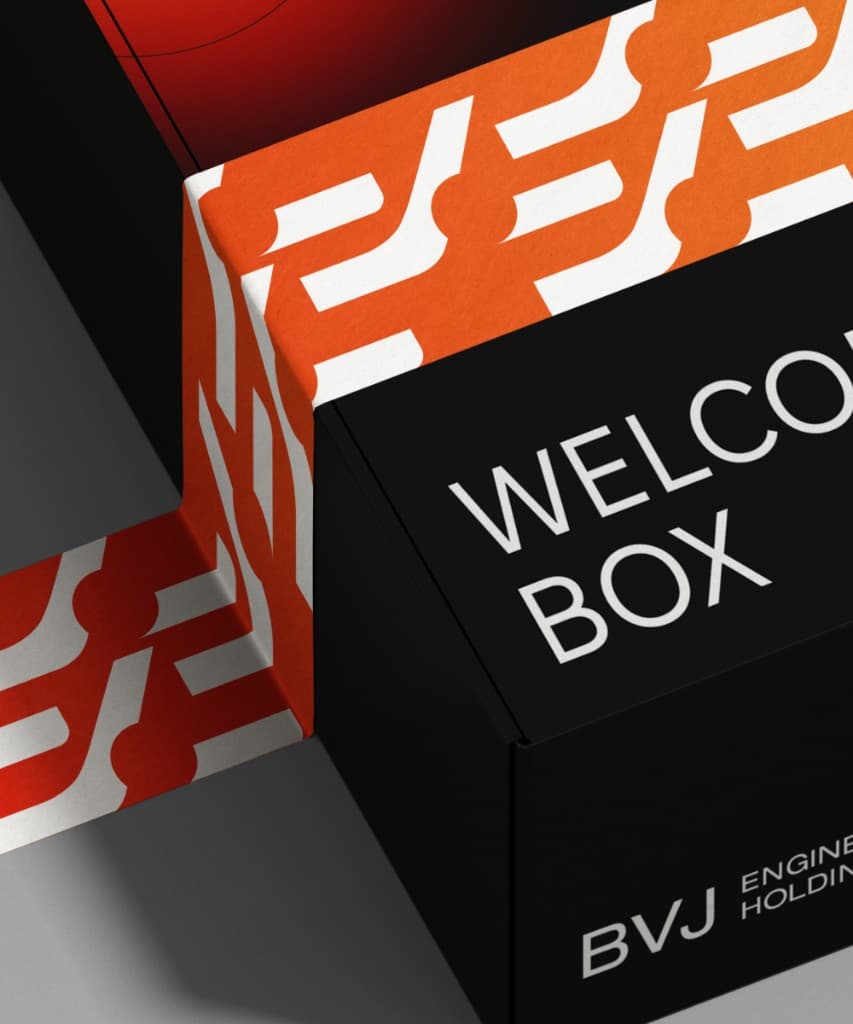



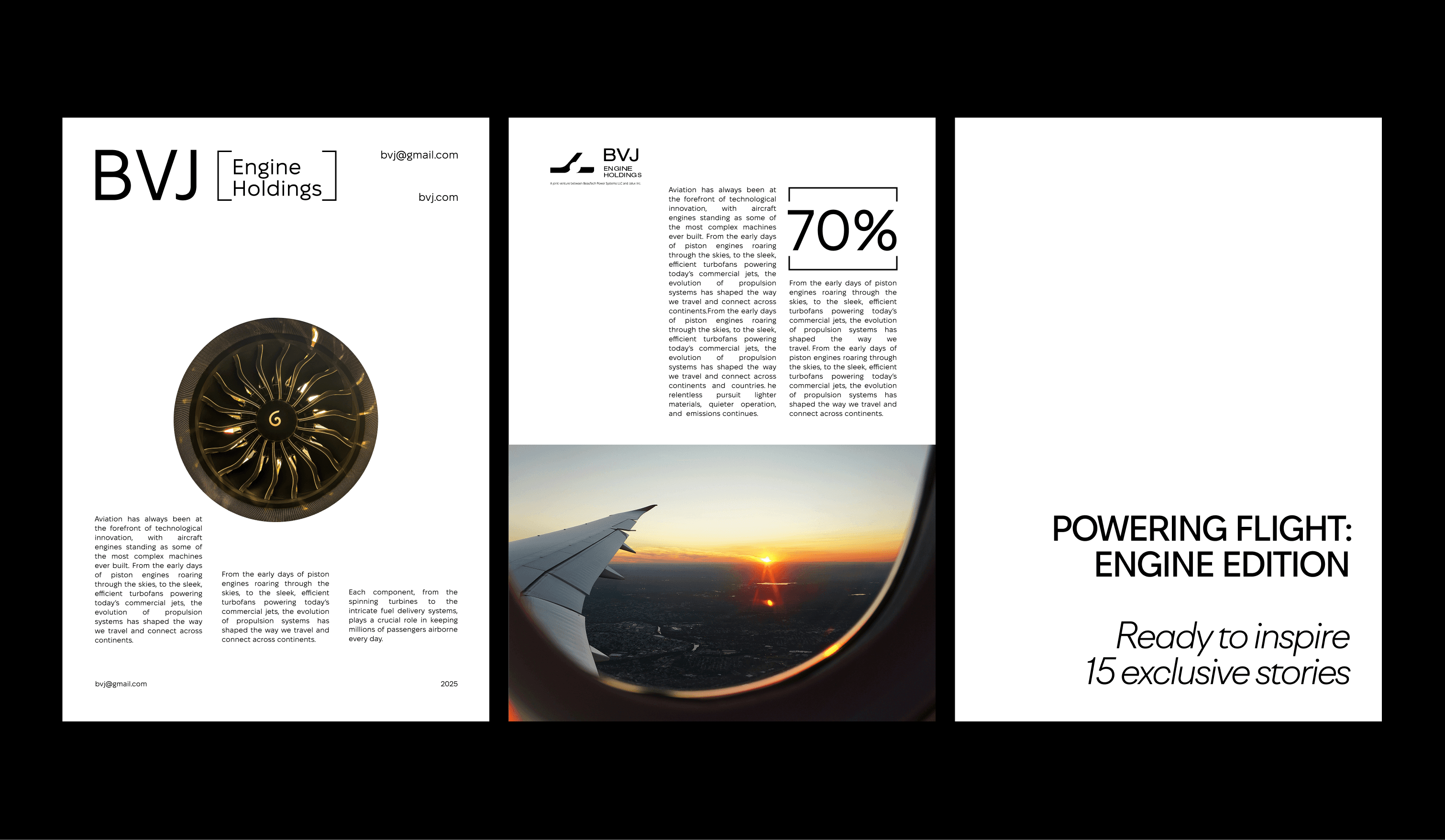





BVJ Engine Holdings identity, a BeauTech × Jalux collaboration
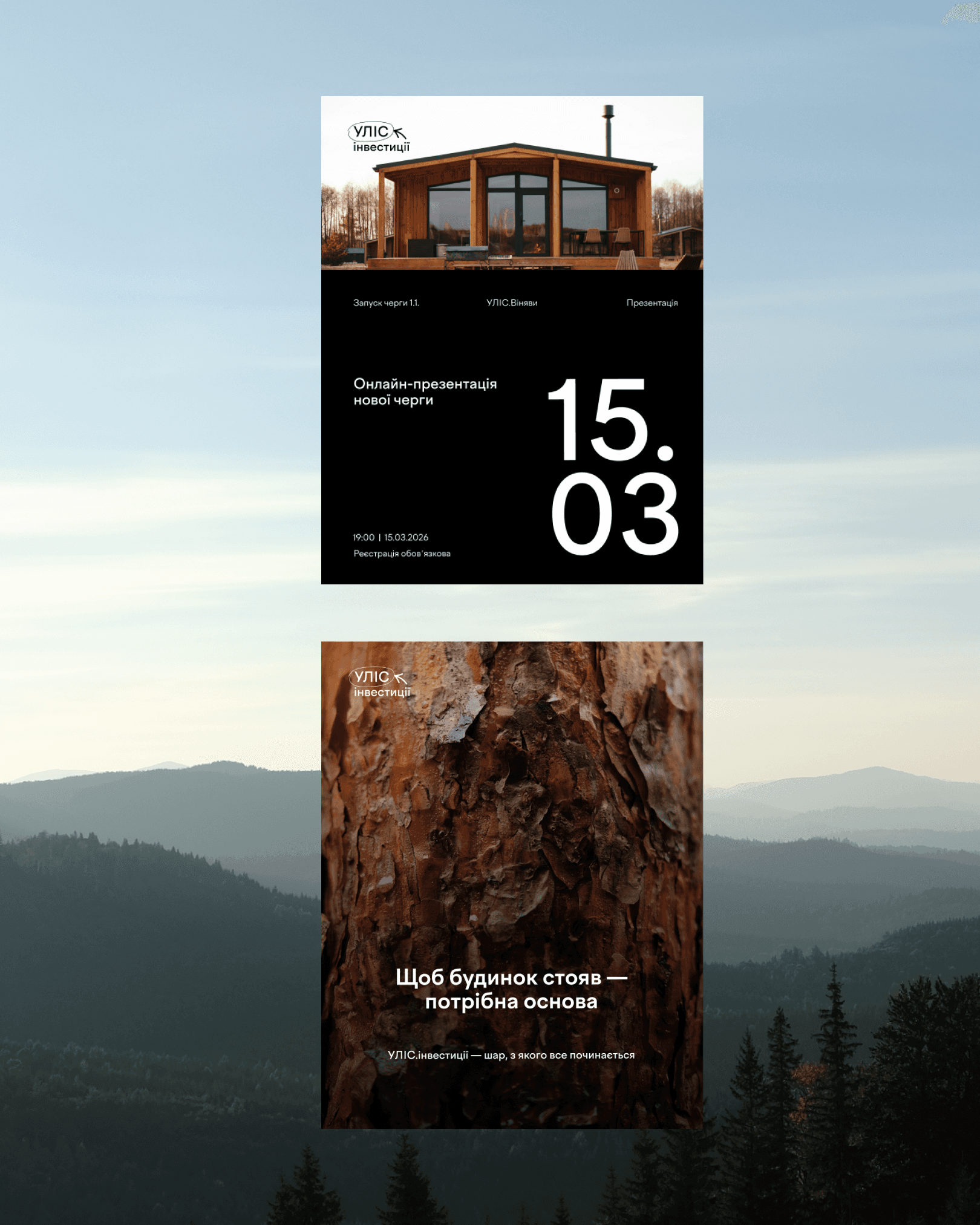
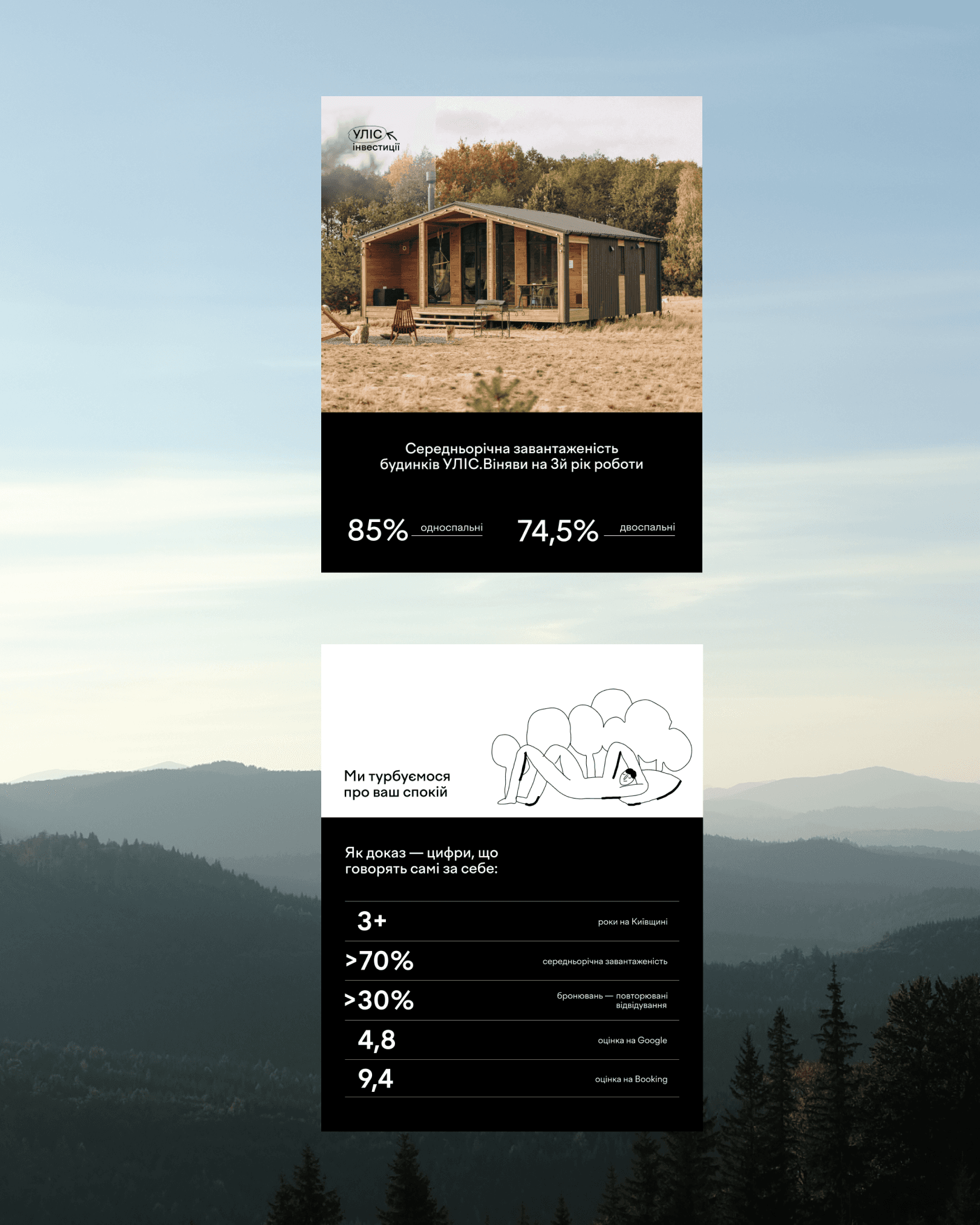
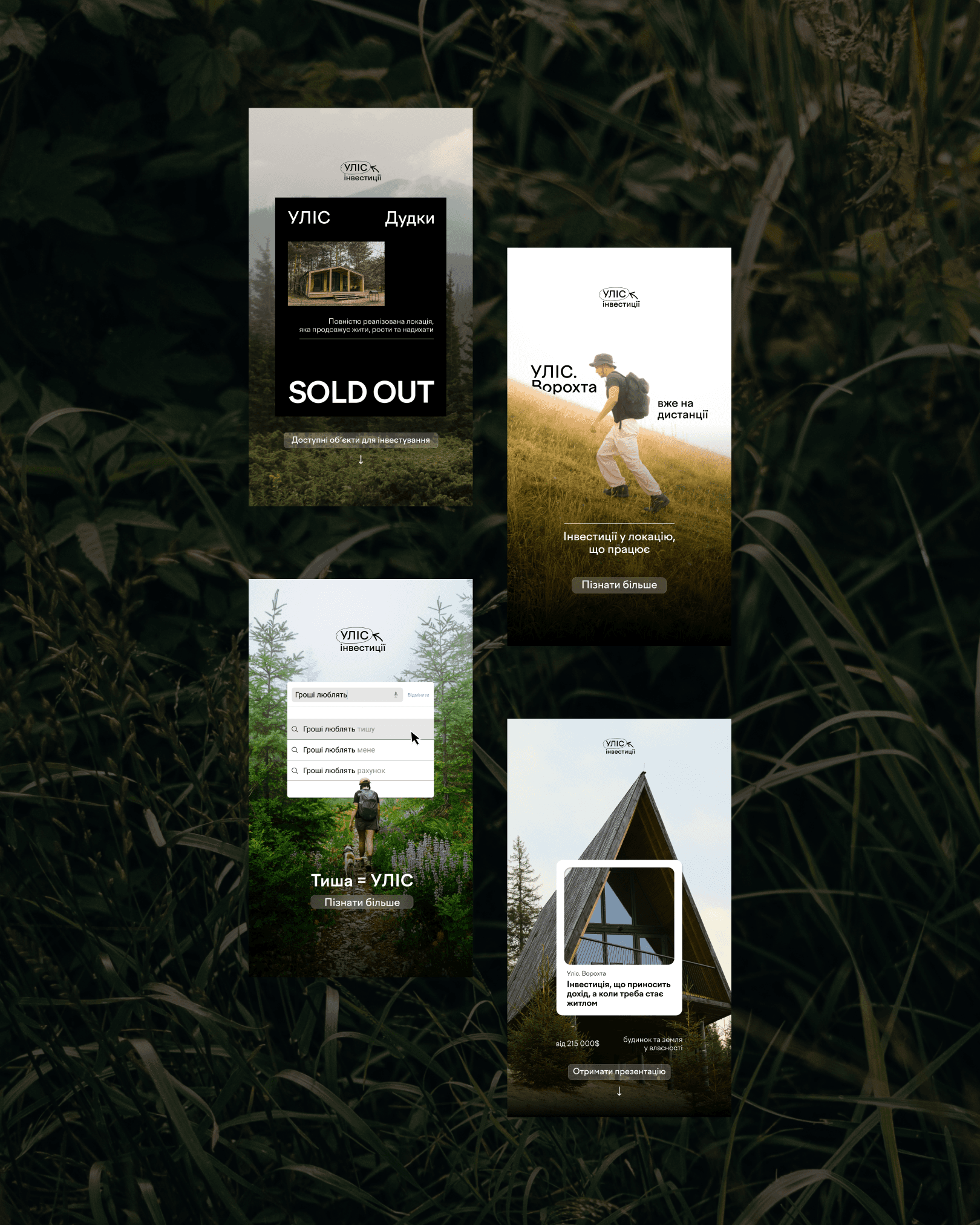
ULIS Investments identity, full case study coming soon
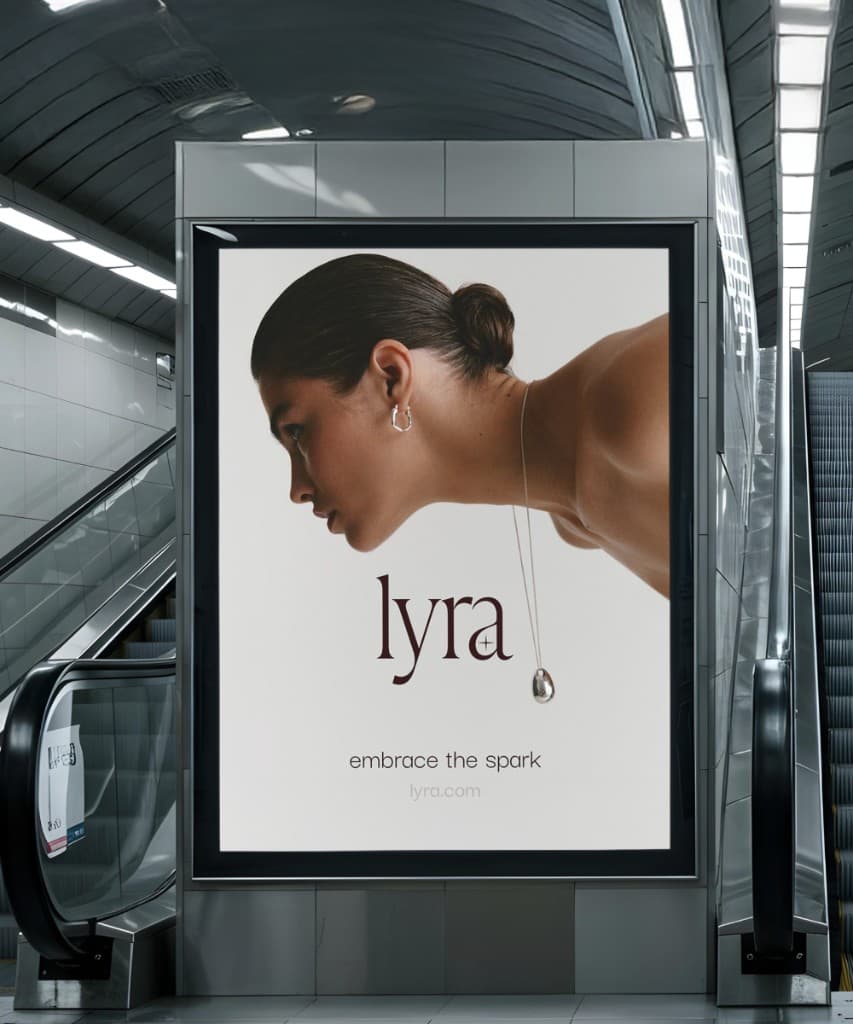
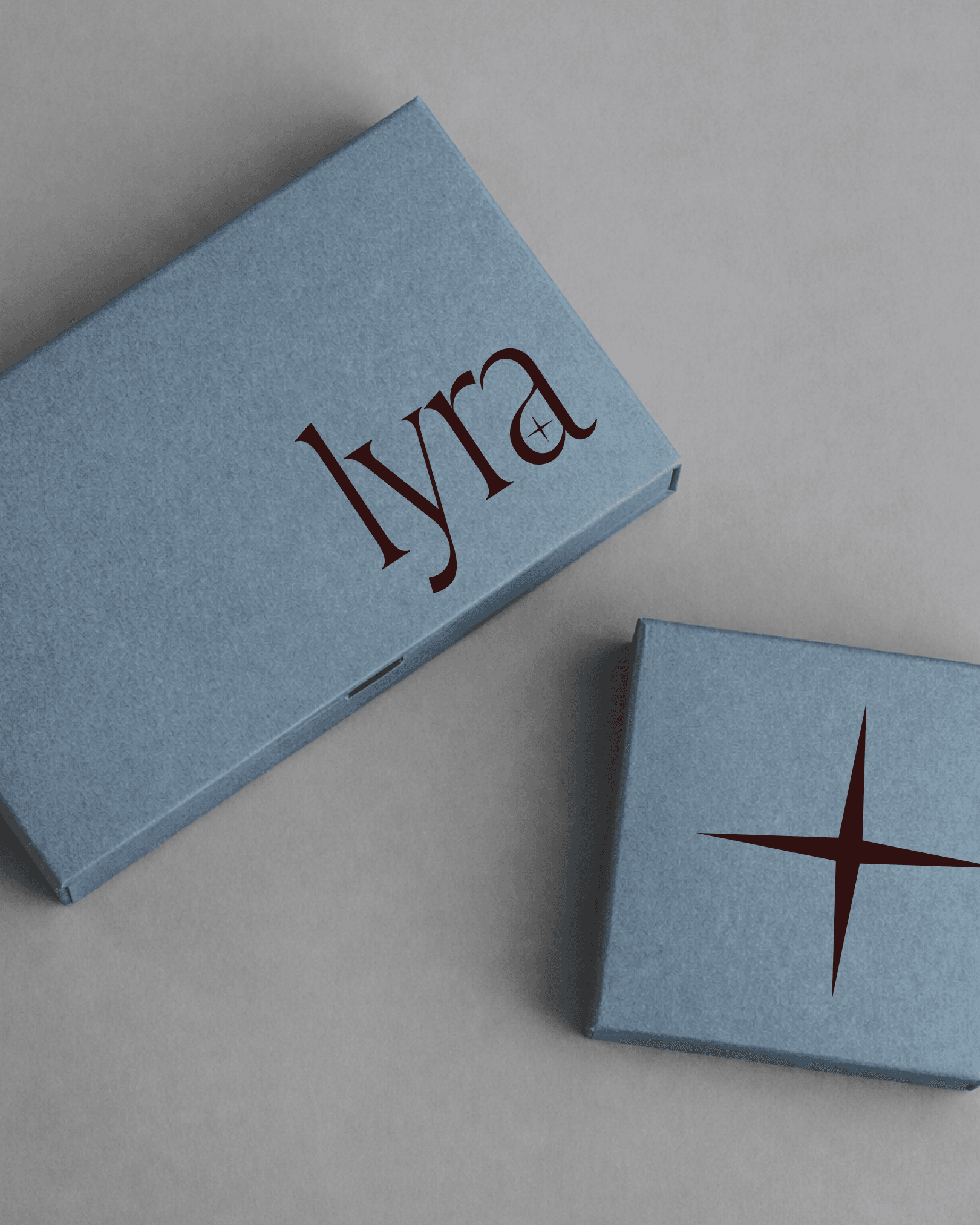
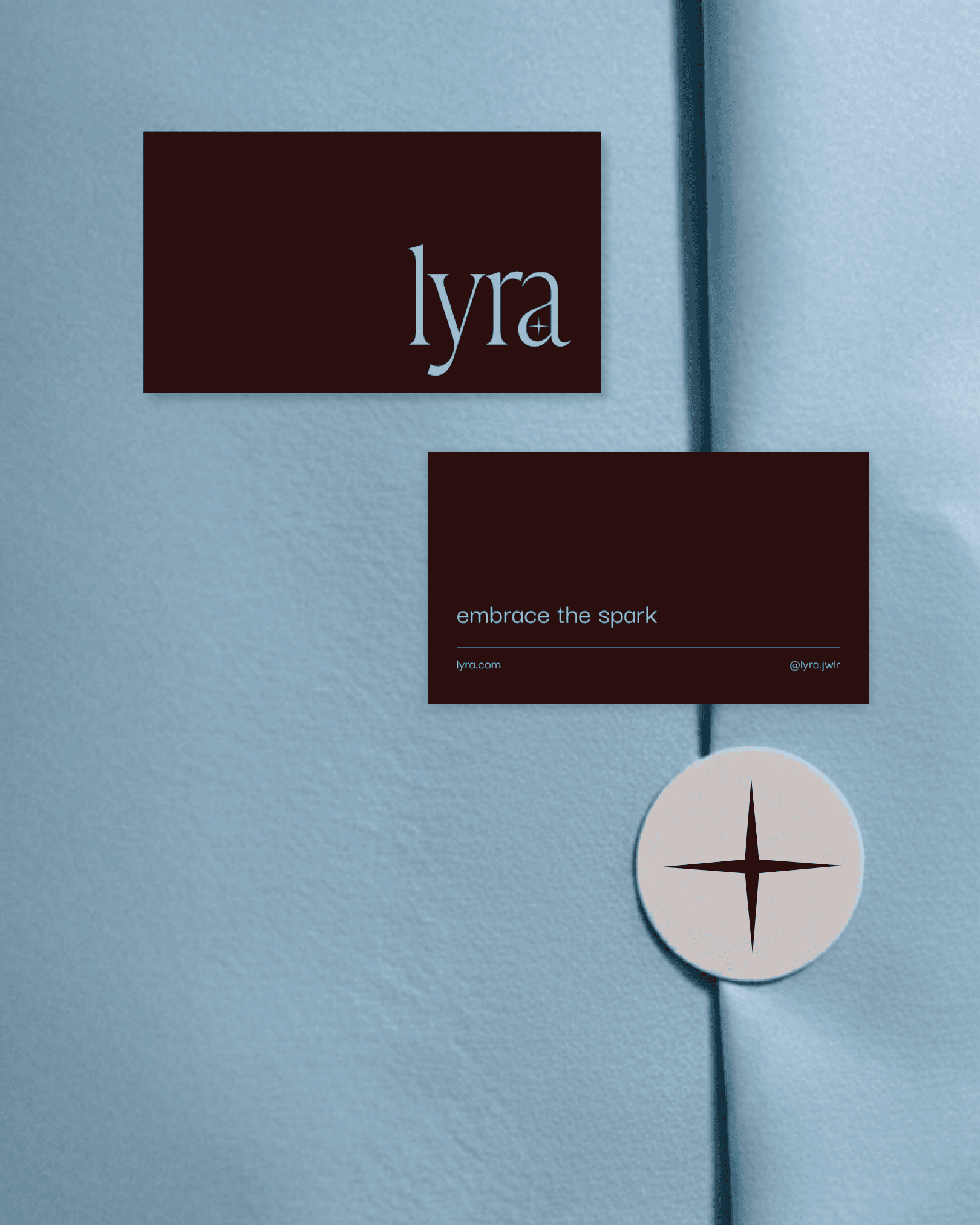
Lyra, a minimalist jewellery brand concept
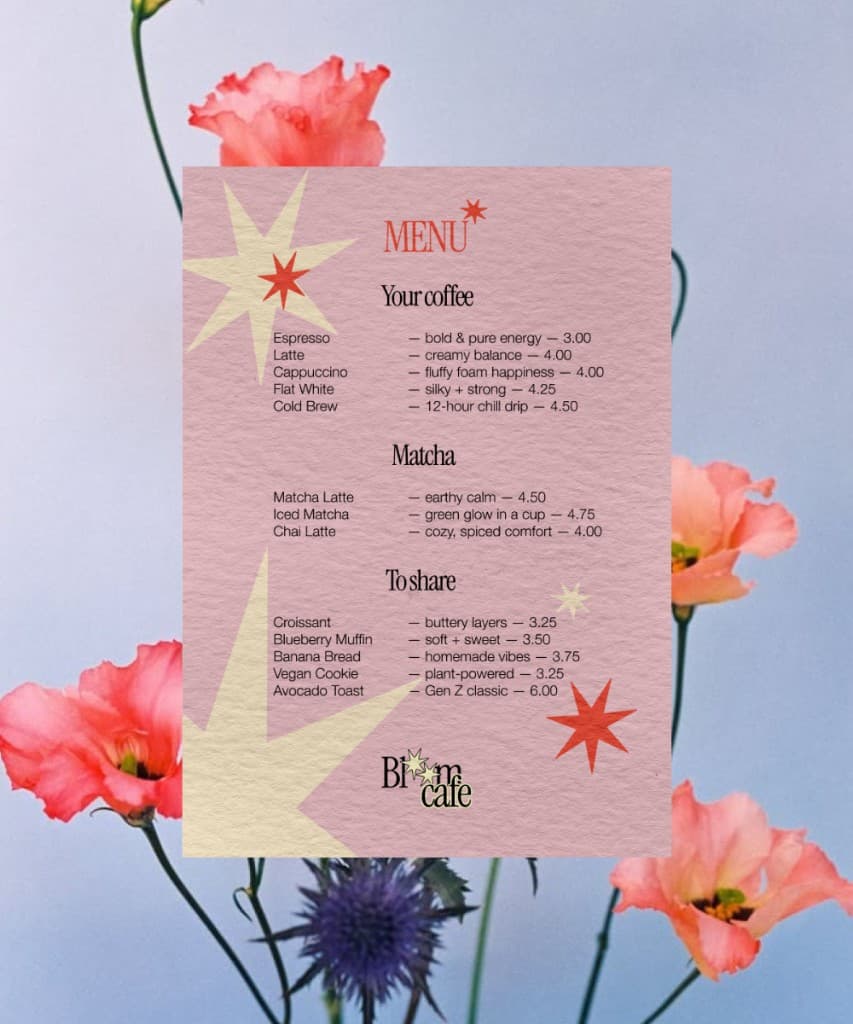
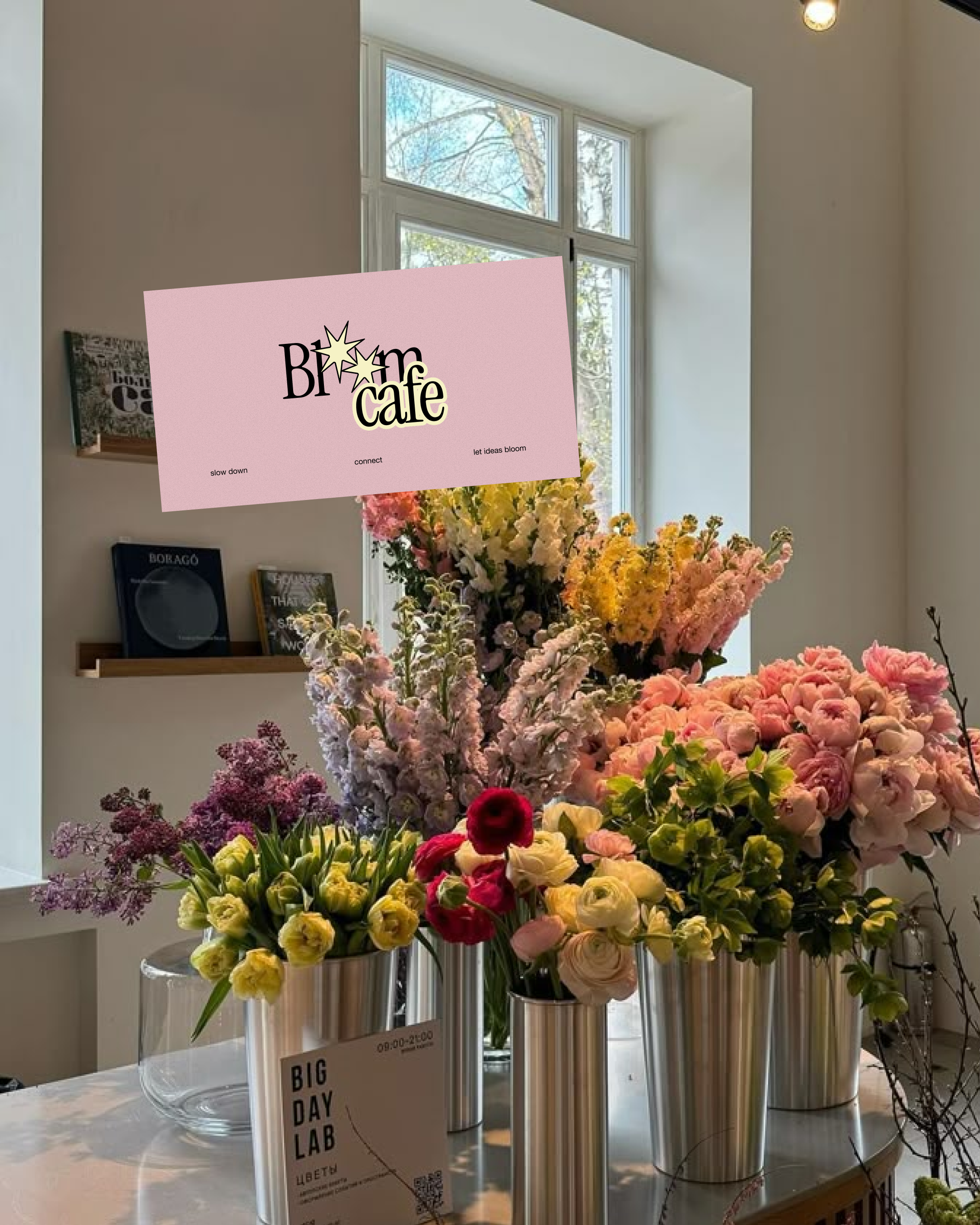
Bloom café, a bold concept pairing flowers with coffee
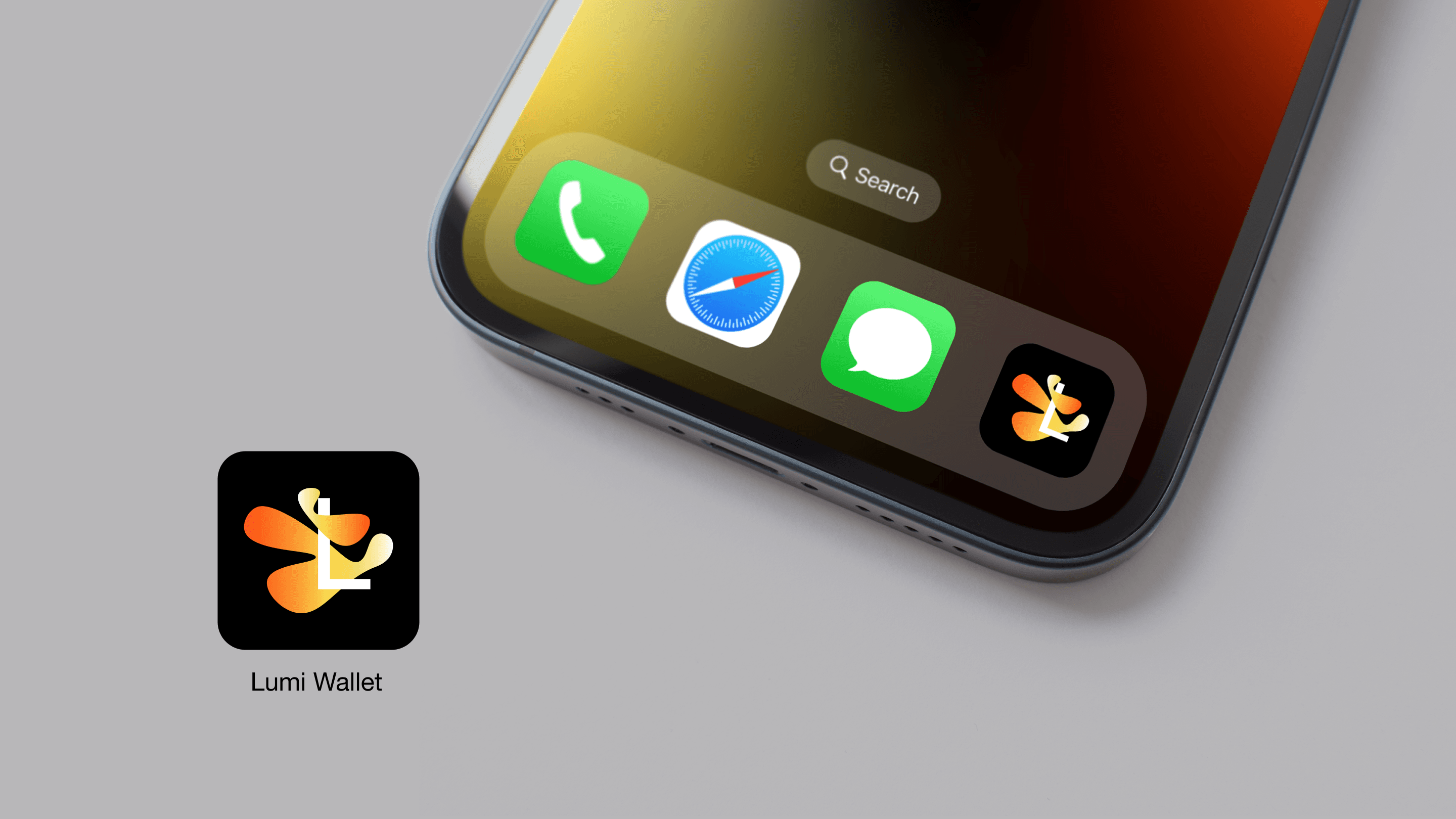
Lumi
A concept for a crypto wallet app.
Playground
More work, side projects & random explorations
Drag things around, draw your own lines, and be creative;)
Double-click text to edit. Drag anything to move it. Select an object and drag a corner to resize, or use plus and minus keys. Drag the ring above a selection to rotate it, or use the bracket keys; double-click the ring to straighten. Click outside to finish editing, or press Escape to cancel. Everything resets on refresh. Drag empty space to pan. Choose the drawing tool or press P, then drag to draw. Press V to move objects. Delete removes the selection. Hold Space to pan. Control or Command and scroll to zoom.
Drag anything · Double-click text to edit
Just for you · resets on refresh
111%